I. Instrument Operating Principles
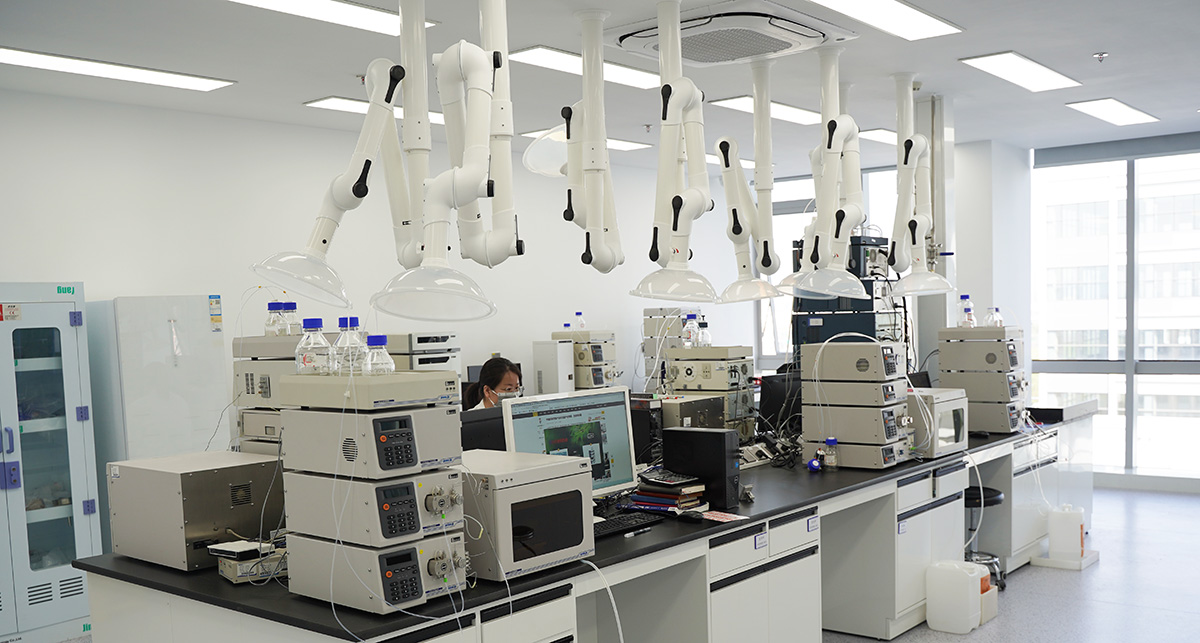
The liquid chromatograph features a large Chinese display, making parameter setting and real‑time monitoring very intuitive. The software interface is user‑friendly, offering flexible control of temperature, program ramping, detector parameters, and bridge current. Moreover, bridge current switching, temperature control, program start/stop, and time event management can all be operated with one click, making daily use both efficient and accurate.
II. Mobile Phase Change Procedure
Check compatibility first! Before changing the mobile phase, confirm whether the current mobile phase and the new one are miscible. If they are incompatible, you must use an intermediate solvent that is miscible with both to thoroughly flush the system.
Flushing Procedure:
Select an appropriate transition solvent (isopropanol is commonly used, but the choice depends on actual compatibility);
After filtering, flush the system with the transition solvent for 30‑40 minutes until both system pressure and baseline become stable;
Keep the system temperature constant during flushing to avoid precipitation or tubing blockage caused by temperature differences.
III. Precautions
Never directly change to an incompatible mobile phase; otherwise, tubing blockage, flow cell contamination, or even instrument damage may occur.
After flushing, ensure the system is fully equilibrated before proceeding with further analysis.
Regularly check the condition of the flow cell and tubing during routine use to prevent hidden blockages.